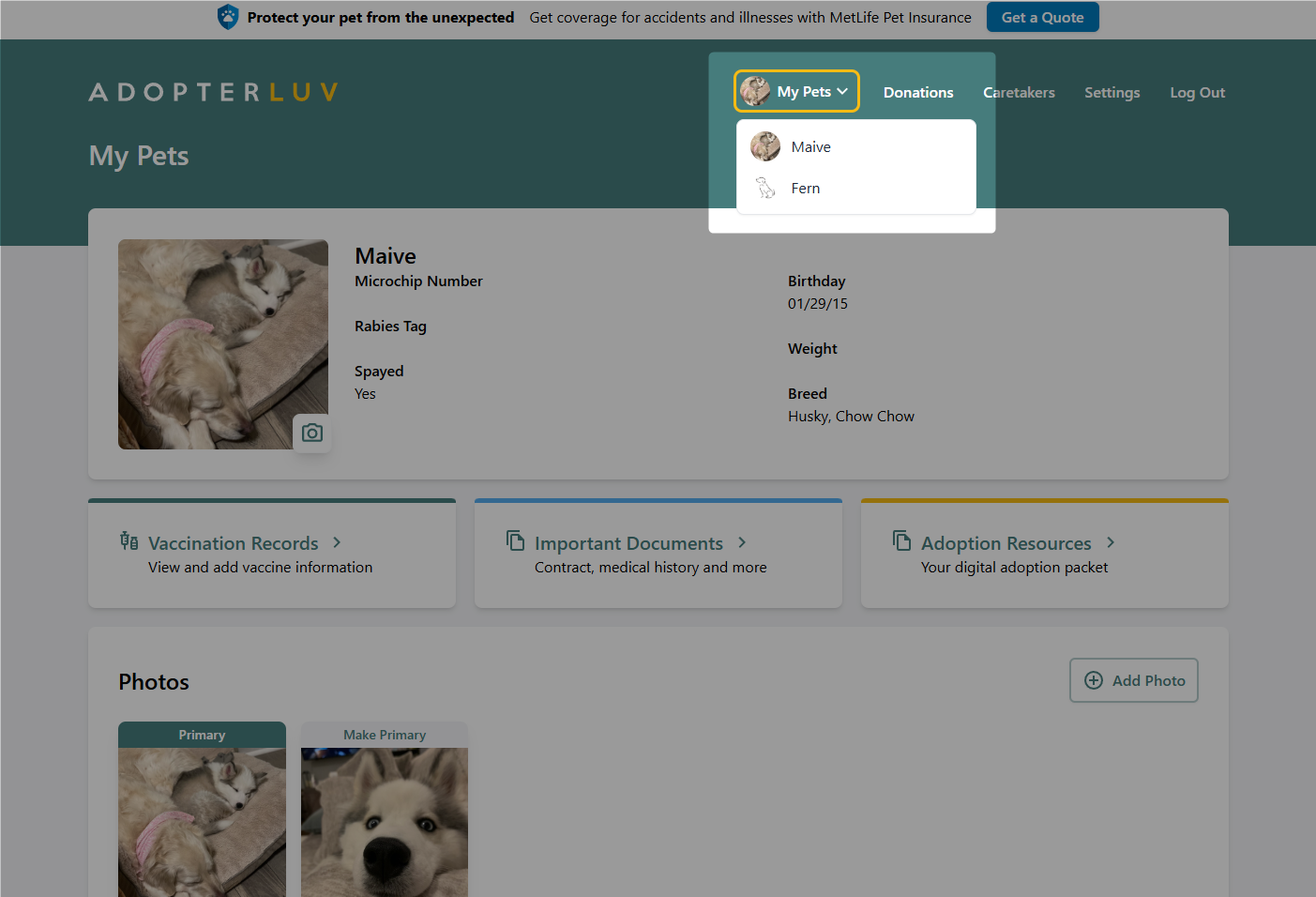
Add another pet to your account
Last updated: August 28, 2026
You can add as many pets to your Adopterluv account as you need, so a second dog or a new kitten keeps their records in the same place as the first. See viewing and uploading your pet's documents for what you can store.
To get started, log into your Adopterluv account here.
Add a New Pet
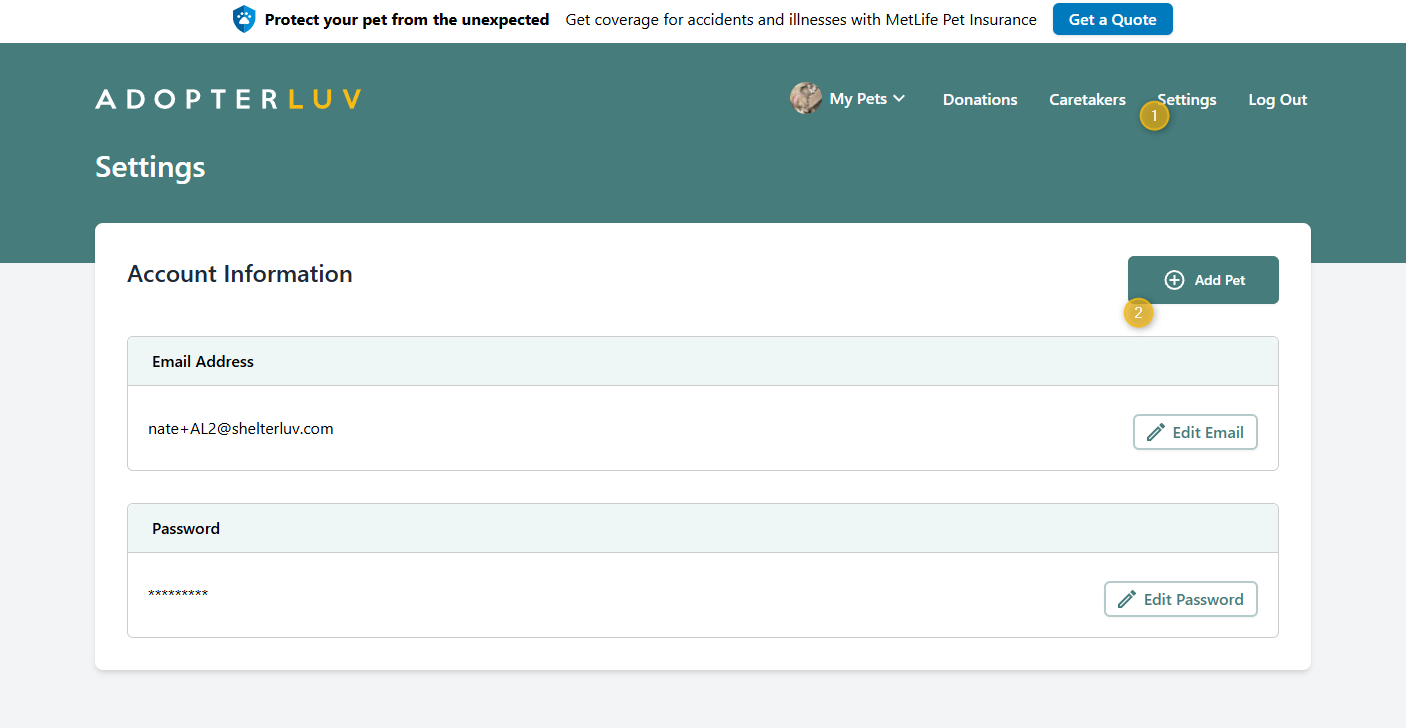
Once you have logged into your Adopterluv account, click the Settings button in the main menu. From there, click the Add a Pet button, fill out the Add Pet form, and click the Save button.
You can choose which pet to view by clicking the My Pets button in the menu bar and choosing the appropriate pet from the dropdown list.