Updating Your Contact and Pet Information
Last updated: September 26, 2026
Keeping your address and phone number current in your Adopterluv account is what lets a vet or a shelter reach you when they scan your lost pet. Sign in to manage your microchip details.
Managing Your Pet's Microchip Information
You can update your pet's profile anytime in your account. To update your pet's name: 1) Log into your Adopterluv account, 2) Select your pet from the My Pets menu, 3) Click the Edit My Pet button on their profile, 4) Update the name field and save your changes. You can also edit other details like your pet's photo, breed, or medical records, as well as your own contact information.
Keeping this information current helps ensure your pet can always be traced back to you if they're found.
Editing Your Contact Information in the Registry
You can log in and go to the Microchip section of your account . You can update your phone number, email, and emergency contact details in just a few clicks.
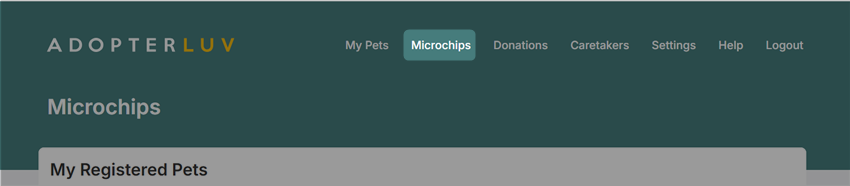
We recommend checking your info at least once a year, or anytime something changes, to make sure it's still accurate.
Changing Your Address After a Move
No problem! Simply log into your account and update your address under your contact details.